
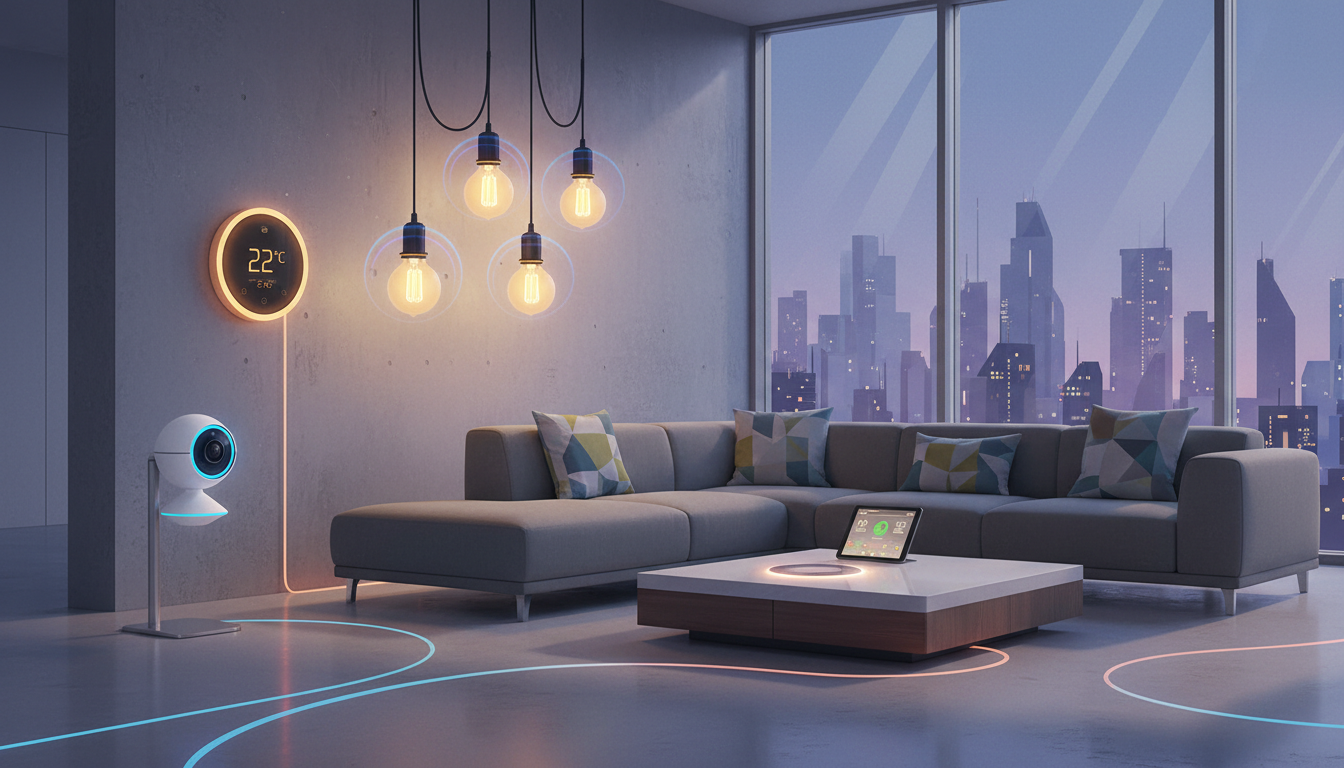
Google has opened early access to its Home MCP (Model Context Protocol), giving AI agents the ability to perform AI home control over smart devices in your house. The move marks a significant shift in how homeowners might manage their living spaces—but it also opens the door to new security headaches.
The Home MCP is Google’s attempt to let compatible AI agents inspect and manipulate smart home devices directly. Instead of you issuing commands through Google Home’s voice interface or app, an AI agent can now do the work for you. That sounds convenient. It also sounds risky, which is why Google has built in guardrails—and why homeowners should pay attention.
What AI Home Control Actually Lets You Do
Right now, early access to the Home MCP is limited. You’ll need Google Home Premium Advanced (the paid tier) and a Google Cloud project set up to even get started. Neither requirement is trivial for average homeowners.
Once enabled, an AI agent can control several categories of devices. Nest cameras fall within scope. So do Nest thermostats, Matter-compatible bulbs, and other standard Google Home devices. An AI agent could theoretically adjust your heating based on weather forecasts. It could turn lights on or off according to a schedule you define. It could pull footage from your cameras when you ask for it.
The system currently offers live control and historical access to your devices. An AI agent can see what your thermostat is set to and change it. It can view past camera recordings. This is genuinely useful if you want an AI assistant handling routine tasks—checking if you left the kitchen light on, for instance, and switching it off remotely.
Automation features are coming later. Right now, the platform is manual-trigger only. That’s probably a relief to anyone worried about an AI system taking independent action inside their home.
The Guardrails—And Why They Matter
Google has blocked certain actions outright. Unlocking doors through the Home MCP is not permitted. Neither is disarming security systems. The company is drawing a line around the most sensitive household functions.
But here’s the catch: Google warns that unwanted behaviour from AI agents remains a real possibility. A badly written AI prompt could cause problems. A compromised AI system could cause worse ones. An AI agent with overly broad permissions might misinterpret instructions and take unintended actions.
The distinction matters. Google has made certain actions impossible. But it hasn’t made all mishaps impossible. If you ask an AI to “make the house comfortable” and it interprets that as cranking the thermostat to 30 degrees, you’ve created a problem Google’s guardrails won’t prevent.
Who This Is Actually For (And Why)
Early access limits who can even try this. You need the premium tier of Google Home. You need technical knowledge to set up a Google Cloud project. You need compatible devices—which means your Philips Hue bulbs might work, but your older Wi-Fi thermostat probably won’t.
This isn’t a mass-market feature yet. It’s a playground for early adopters, developers, and homeowners comfortable wading into cloud infrastructure.
The real audience here is probably people who already use Google Home extensively. People running a house full of Nest devices. People who’d benefit from an AI system that can make decisions about their home without waiting for them to issue commands. Busy professionals. Property managers overseeing multiple homes. Tech-forward households.
For everyone else, nothing changes immediately. Your Google Home app works as it always has.
What Comes Next
Google has flagged automation as the next phase. Once that arrives, an AI agent could run routines independently—not just respond to your requests, but act on conditions you’ve set. Imagine an AI system that detects rain through a weather API and closes your smart blinds automatically. Or one that notices you’re away from home based on your phone’s location and adjusts your thermostat to save energy.
Those features bring new attack surfaces. A bug in the automation logic could be expensive or dangerous. A breach in the Google Cloud infrastructure could expose your home’s layout, device status, and patterns.
The company is moving cautiously for good reason.
A Word on Your Own Security
If you’re considering early access, take inventory of what you’re willing to expose. An AI agent that can see your Nest camera feeds is an AI agent that has access to footage of your home’s interior. An AI system that can control your lights knows when you’re home and when you’re away.
This assumes Google’s infrastructure is secure. It assumes the AI agents you enable are trustworthy. It assumes your own Google account isn’t compromised. Each of those is a reasonable assumption in most cases. None of them is a certainty.
Read the permissions carefully. Grant only what the AI needs. Use strong authentication on your Google account.
FAQ
Q: Do I need to replace my smart home devices to use AI home control?
A: No. The Home MCP works with existing Google Home–compatible devices. If your Nest thermostat, Nest camera, or Matter bulb already works with Google Home, it can be controlled via an AI agent. You’ll need a compatible AI agent and a Google Cloud project set up.
Q: Can an AI agent unlock my front door?
A: No. Google has explicitly blocked door-unlocking actions. Certain sensitive functions remain off-limits to prevent abuse or accidents.
Q: Will my current Google Home app stop working if I enable AI home control?
A: No. The Home MCP is an additional layer. Your regular Google Home app and voice commands continue to work normally. Enabling AI agents doesn’t change how you currently interact with your home.
Q: What happens if an AI agent makes a mistake—like turning off my fridge?
A: Google’s current guardrails prevent the most dangerous actions, but they don’t catch every mistake. An AI given control over smart devices can still misinterpret instructions or behave unexpectedly. You’d need to intervene manually through your Google Home app.
Q: Is this available worldwide, or just in certain countries?
A: The early access announcement doesn’t specify geographical restrictions, but early-access programs often roll out to limited regions first. Check your Google Home app to see if AI home control is available in your area.
