
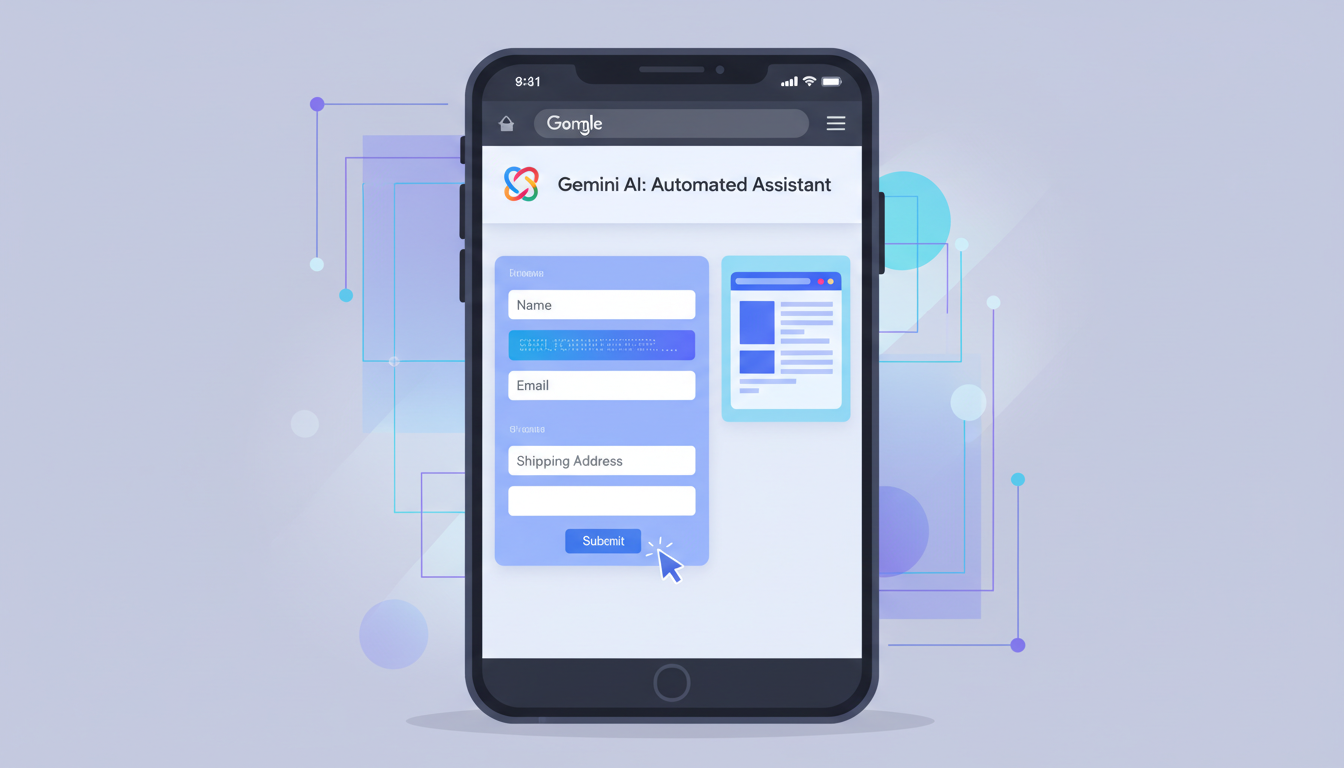
Google has launched Gemini auto-browse on Chrome for Android in India, bringing AI-powered task automation to premium subscribers on the platform.
The feature, now rolling out across the country, lets Gemini handle complex, multi-step tasks without manual intervention. Users can ask the AI to fill forms, book parking spots, order groceries, or complete similar workflows. Instead of jumping between apps or manually entering data, Gemini takes over the browser and works through the task step by step.
This marks a significant expansion of Gemini’s capabilities on Android. Until now, the AI assistant on Chrome for Android was limited to simpler functions like webpage summarization and answering questions about page content. Auto-browse represents a jump toward truly autonomous AI agents that can interact with websites the way humans do.
Gemini Auto-Browse Chrome Android: What You Get
The auto-browse feature works within Chrome on Android but comes with restrictions. Only subscribers to Google’s premium tiers—Gemini AI Pro and AI Ultra—get access. Both plans carry daily task limits to prevent abuse and manage server load.
Google hasn’t specified exact task limits, but the company has emphasized that auto-browse is still experimental. Users who enable the feature remain responsible for the actions Gemini takes. The AI can make purchases, fill sensitive forms, or interact with banking portals. If something goes wrong, the user bears the responsibility.
The broader Gemini in Chrome experience remains open to all Android users in India. Everyone can use webpage summarization and ask questions about page content. The premium auto-browse layer sits above this free tier.
Who Can Use It and What Are the Limits?
Access is tiered. Free users and those on older Gemini plans get the basic Chrome integration. Only AI Pro and AI Ultra subscribers unlock auto-browse.
Google hasn’t released pricing for these premium plans in India yet, so local availability and cost remain unclear. The feature appears to be rolling out gradually rather than all at once. Early adopters in India may see it before others.
Daily task limits apply, though Google hasn’t published exact numbers. This throttling likely prevents users from automating dozens of tasks daily, which could strain Google’s infrastructure or enable malicious automation at scale.
Security and Responsibility
Google has stressed that auto-browse operates with user oversight. The company says it prioritizes security, but the experimental status matters. Users should assume the feature isn’t bulletproof.
When Gemini auto-browses, it has access to your cookies, stored passwords, and browsing context. It can interact with sites you’re already logged into. If a website requires authentication, Gemini can complete forms using data already on your device. This convenience carries risk. A compromised or misbehaving AI could theoretically interact with sensitive accounts.
According to reports on the rollout, Google has built in safeguards, but users are ultimately liable. Read the fine print before enabling auto-browse on forms related to banking, shopping, or personal data.
What Tasks Can Gemini Handle?
Google has highlighted several use cases. Booking parking is one example—Gemini can search for available spots, compare prices, and complete the reservation. Grocery ordering works similarly. Gemini can navigate to a store’s website, add items to a cart, and check out.
Form-filling is another application. If you need to complete a multi-page registration or survey, Gemini can do it based on instructions you provide. The AI reads each page, fills fields appropriately, and clicks next buttons.
The feature isn’t designed for casual browsing. It’s meant for defined, repeatable tasks where the outcome is measurable and the steps are clear.
Why This Matters for India
India’s mobile-first user base makes this launch relevant. Most internet users here access the web primarily through smartphones. Android dominates the market, and Chrome is the most-used browser.
Auto-browse could appeal to busy professionals, small business owners, and anyone juggling multiple platforms. Automating repetitive online tasks saves time—valuable in a market where users are often multitasking across work and personal commitments.
However, uptake will depend on awareness and willingness to pay for premium Gemini plans. Google hasn’t disclosed how many Indians currently subscribe to AI Pro or AI Ultra.
Rollout Timeline and Availability
The feature is rolling out now but not yet universally available. Rollouts in India often happen in phases, with some users seeing features weeks before others.
To check if auto-browse is available on your device, open Chrome on Android, tap your profile icon, and look for Gemini options. If you have a premium Gemini subscription and the feature appears, you’re in the initial wave.
FAQ
Q: Is Gemini auto-browse available to free users?
No. The feature is restricted to Google AI Pro and AI Ultra subscribers only. Free users can still use basic Gemini features in Chrome, like webpage summarization and Q&A.
Q: What happens if Gemini makes a mistake while auto-browsing?
You are responsible for actions the AI takes. Google emphasizes the feature is experimental. Always review what Gemini intends to do before it completes tasks, especially those involving payments or sensitive data.
Q: Can I use auto-browse to automate unlimited tasks daily?
No. Both AI Pro and AI Ultra plans come with daily task limits. Google hasn’t published exact numbers, but the limits are in place to prevent abuse and manage server resources.
Q: Does auto-browse work on all websites?
The feature works with most standard websites, but compatibility varies. Complex sites with heavy JavaScript or unusual login flows may not work smoothly. Google’s documentation should clarify which sites are best supported.
Q: How much does Google AI Pro cost in India?
Pricing hasn’t been finalized for the Indian market yet. Google typically announces local pricing when premium Gemini plans launch in new regions.
