
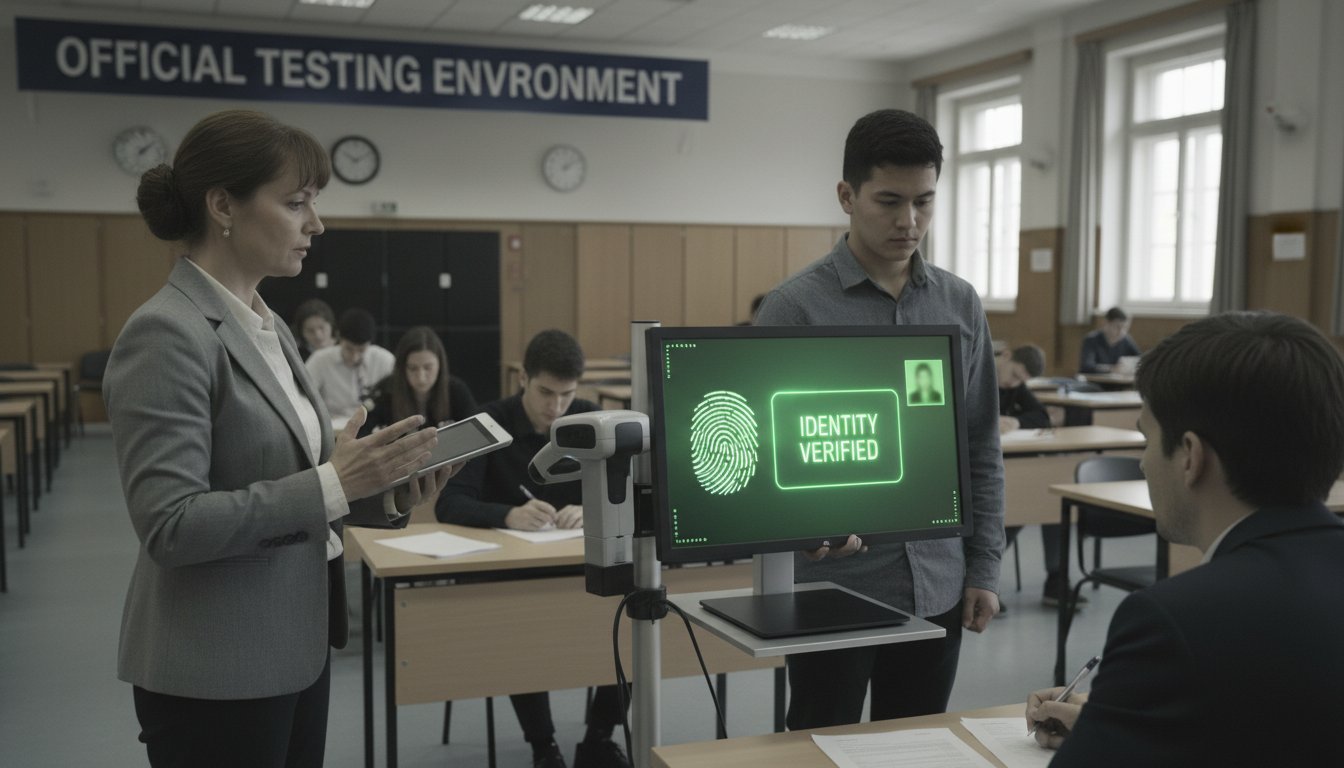
SSC Aadhaar biometric guidelines now mandate that candidates keep their Aadhaar biometric details permanently unlocked throughout their recruitment examinations, marking a significant shift in how the commission handles candidate authentication at its testing centres.
According to reports, the new directive applies to all SSC exams including CGL (Combined Graduate Level), CHSL (Combined Higher Secondary Level), MTS (Multitasking Staff), and other recruitment tests. Candidates are being advised to ensure their biometric data remains accessible during entry, authentication, and exit from the examination hall.
The commission’s reasoning is straightforward: the temporary 10-minute biometric unlocking window, which candidates can currently request from the Unique Identification Authority of India (UIDAI), may not be sufficient when multiple rounds of identity verification are needed during the exam process. A candidate might face delays or authentication failures if the 10-minute window expires mid-examination.
Background
Aadhaar biometric authentication has become standard practice at SSC exam centres over the past few years as part of the government’s push for digital identity verification. The UIDAI allows individuals to lock and unlock their biometrics on demand through its online portal or helpline. By default, Aadhaar biometrics are unlocked, but many citizens choose to lock them for security reasons and unlock only when needed for a transaction or verification.
The temporary unlock facility was designed for one-time needs—a bank visit, a government office transaction. But examination halls present a different scenario. A single exam day might involve biometric checks at entry, during invigilation, and at exit. If a candidate has requested a temporary unlock, and the 10-minute window closes while they’re still inside the examination hall, they could face authentication problems.
This is not the first time SSC has refined its authentication procedures. As we reported earlier, the commission has been issuing admit cards and updating exam protocols regularly. The permanent unlock guidance is a logical extension of that effort.
Understanding the SSC Aadhaar biometric guidelines
The new directive is optional, not mandatory. Candidates are not forced to use Aadhaar biometric authentication at all. However, for those who choose this route, the SSC Aadhaar biometric guidelines now carry a clear recommendation: unlock biometrics before arriving at the examination centre and keep them unlocked until you leave.
Candidates also need to ensure that their demographic details—name, address, date of birth—and biometric data (fingerprints, iris scans, or facial recognition depending on the centre’s equipment) are current in their Aadhaar records. Outdated or mismatched information can cause authentication failures even with unlocked biometrics.
The commission warns that relying on temporary unlocks is risky. A 10-minute window may seem adequate, but crowded examination centres, technical delays, or multiple verification points can easily exhaust that time, leaving a candidate locked out of their own authentication halfway through the process.
What it means for candidates
For SSC exam aspirants, the immediate implication is clear: if you plan to use Aadhaar biometric authentication, unlock it permanently before exam day. This can be done through the UIDAI’s official portal (https://resident.uidai.gov.in) or by calling the UIDAI helpline (1947).
There is no fee for unlocking or locking Aadhaar biometrics. The process takes a few minutes online and is reversible. After your exam, you can lock your biometrics again if you choose.
Candidates should also check their Aadhaar details well in advance. If your name is spelled differently in Aadhaar than it is on your SSC admit card, biometric verification could fail. Corrections to Aadhaar records can take several days or even weeks depending on whether documents need to be submitted, so don’t leave this until the last moment.
For those unfamiliar with UIDAI systems, the process is not difficult. Log into the UIDAI resident portal using your Aadhaar number and OTP, navigate to the “Manage Your Aadhaar” section, find “Biometric Lock/Unlock,” and choose to unlock. Screenshots or confirmation of the unlock can be saved, though they are not necessary for the examination itself.
If you are uncomfortable with biometric authentication or uncertain about your Aadhaar data, remember that this facility is optional. SSC will continue to offer alternative authentication methods at its centres. You can ask the examination supervisor about other ID verification options before your exam begins.
Important points for exam day
Arrive at the examination centre early enough to allow time for biometric verification. Crowded centres on exam day can experience queues. The earlier you complete your biometric check-in, the less chance there is of any technical or time-related issues.
Bring a valid photo ID as backup, even if you are using Aadhaar biometric authentication. Examination protocols can change, and having a secondary form of identity verification is always wise.
If your biometric authentication fails for any reason on exam day, inform the centre superintendent immediately. Centres are trained to troubleshoot such issues, and you may be permitted to re-authenticate or use an alternative verification method.
As we reported, SSC has been responsive to candidate concerns in recent examination cycles. If you encounter problems with biometric authentication during an exam, document the details and lodge a formal complaint with the SSC after the exam, referencing your roll number, exam date, and centre code.
Key takeaways
- SSC Aadhaar biometric guidelines now recommend permanent biometric unlocking throughout the examination process to avoid authentication failures.
- The temporary 10-minute UIDAI unlock facility may not be sufficient for multiple identity verification rounds during an exam.
- Candidates must verify their demographic and biometric details in their Aadhaar records before exam day; corrections can take weeks.
- Biometric authentication through Aadhaar remains optional; alternative verification methods are available at all centres.
- Unlocking and locking Aadhaar biometrics is free, reversible, and takes minutes through the UIDAI online portal.
FAQ
Q: Is using Aadhaar biometric authentication mandatory for SSC exams?
No. The SSC Aadhaar biometric guidelines recommend it as an optional facility for streamlined identity verification, but candidates can choose other forms of photo ID authentication.
Q: How do I unlock my Aadhaar biometrics?
Visit https://resident.uidai.gov.in, log in with your Aadhaar number and OTP, go to “Manage Your Aadhaar,” select “Biometric Lock/Unlock,” and choose to unlock. Alternatively, call UIDAI helpline 1947.
Q: How long does it take to unlock Aadhaar biometrics?
The process is instant online. Once you complete the unlock request, your biometrics are immediately unlocked and remain so indefinitely until you manually lock them again.
Q: Can I lock my biometrics again after my SSC exam?
Yes. You can lock your biometrics anytime through the same UIDAI portal. There is no lock-in period or waiting time.
Q: What should I do if my Aadhaar details don’t match my SSC admit card?
Correct the details in your Aadhaar record before exam day. Corrections may require submitting documents to the UIDAI, so apply early—ideally at least 3-4 weeks before your exam date.
