
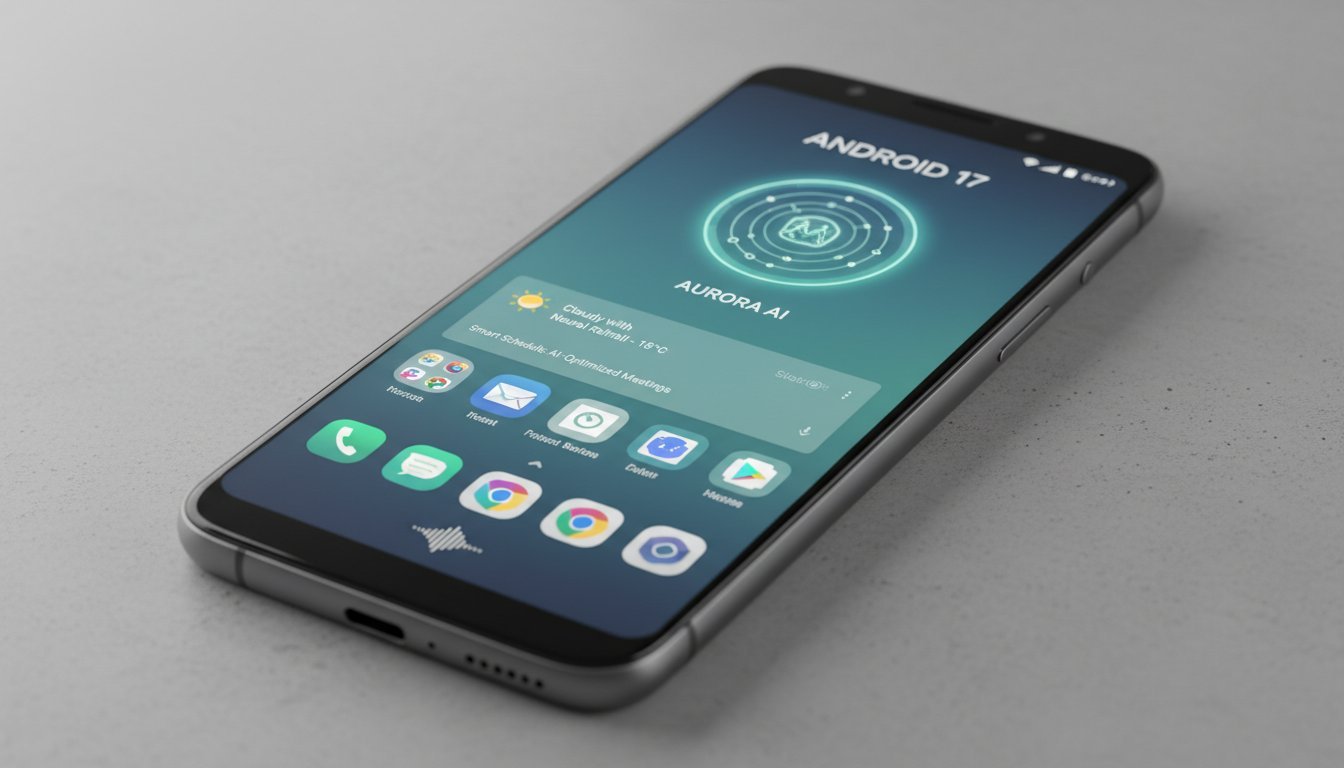
Motorola Android 17 update has started reaching eligible phones as the company rolls out the latest version of Google’s operating system to its user base in India. The phased rollout is now live, bringing a redesigned user interface and improved artificial intelligence features to devices across the Edge, Razr, and Moto G lineups.
The update marks another step in Motorola’s push to keep its Android smartphones current with the latest software. Users with eligible devices should check their settings to see if the update is available to download.
Background
Motorola has been among the faster manufacturers in deploying new Android versions to its portfolio. The company maintains an aggressive update schedule across its mid-range and flagship segments, which appeals to buyers looking for timely software support without the wait seen on some competing brands.
The Android 17 rollout comes as Google continues expanding AI capabilities across its ecosystem. Motorola is integrating these AI enhancements into its own interface redesign, positioning the update as more than just a version bump.
The phased approach is standard practice in the industry. Not all eligible devices receive updates on day one. Instead, Motorola is staggering the rollout to monitor stability and manage server load as millions of users begin downloading.
Motorola Android 17 update: What’s included
The redesigned interface refreshes how users navigate their phones. Icons, menus, and animations have been adjusted to match Android 17’s visual direction. The changes are noticeable but not radical—most users will adapt within days of installing the update.
AI features are the centrepiece of this release. These tools handle everyday tasks: sorting photographs by content, suggesting replies in messages, and optimizing battery use based on your habits. The AI runs on-device in many cases, meaning your data stays on your phone rather than being sent to servers.
Performance improvements are present too. The update typically refines how the system manages memory and processes. Users often report snappier performance after updating, particularly on older devices where efficiency gains matter most.
What it means for Motorola phone owners in India
If you own a Motorola Edge, Razr, or Moto G series phone, you should start checking for the update within your settings. Navigate to Settings > About phone > System update to see if your device is eligible.
The rollout is happening in waves. If you don’t see the update today, it doesn’t mean you won’t get it—you likely will within the next few weeks. Motorola typically completes major rollouts over 4-6 weeks.
You don’t need to pay anything for the update. Android upgrades are free and automatic once they reach your device, though you can also download them manually.
Storage space matters. Ensure you have at least 2-3 GB of free space before attempting to install. The update is large and needs room to unpack before installation begins.
Battery charge should be above 50% before you start. Motorola recommends being connected to Wi-Fi during the download and installation process to avoid unexpected interruptions.
As Motorola continues its update commitments, the brand is also launching new hardware, keeping both software and devices fresh for its user base.
Eligible Motorola devices for Android 17
The official list released by Motorola includes:
– Motorola Edge series (all recent models)
– Motorola Razr (folding series)
– Moto G series (recent generations)
Motorola has not announced which specific Moto G generation is the cutoff for eligibility. Older budget models released 3-4 years ago may not receive the update due to hardware limitations or Motorola’s support window closing on those products.
Key takeaways
- Android 17 rollout is live for Motorola Edge, Razr, and Moto G series phones.
- The update includes a redesigned interface and on-device AI features for everyday tasks.
- Phased rollout means not all eligible devices get the update simultaneously.
- Check Settings > About phone > System update to see if your phone qualifies.
- Installation requires Wi-Fi, adequate storage space, and battery charge above 50%.
FAQ
Q: How do I check if my Motorola phone is eligible for Android 17?
A: Open Settings on your phone, tap About phone, then System update. If your device is eligible, you will see a notification or the option to download. You can also visit Motorola’s official support page and enter your phone model to check eligibility.
Q: Will the Android 17 update affect my phone’s battery life?
A: The update typically improves battery efficiency through better power management. Some users report slightly longer battery life after updating, though this depends on your usage patterns and how heavily you use the new AI features.
Q: Can I delay installing the Android 17 update?
A: Yes. The update will not force itself onto your phone immediately. You can dismiss the notification and install at a time that suits you. However, it’s advisable to install within a few weeks to ensure you receive security patches bundled with the update.
Q: What should I do if the update fails to install?
A: First, try downloading it again over Wi-Fi with at least 50% battery. If it fails twice, restart your phone and attempt a third time. If problems persist, contact Motorola support or visit an authorized service centre.
Q: Does the Android 17 update remove any apps or settings from my phone?
A: No. Android updates preserve your apps, photos, messages, and settings. Your data remains untouched. However, some visual changes to the interface may rearrange where certain settings appear, but nothing is deleted.
Sources: prabhatkhabar.com, cnbctv18.com, trendscope.lt
